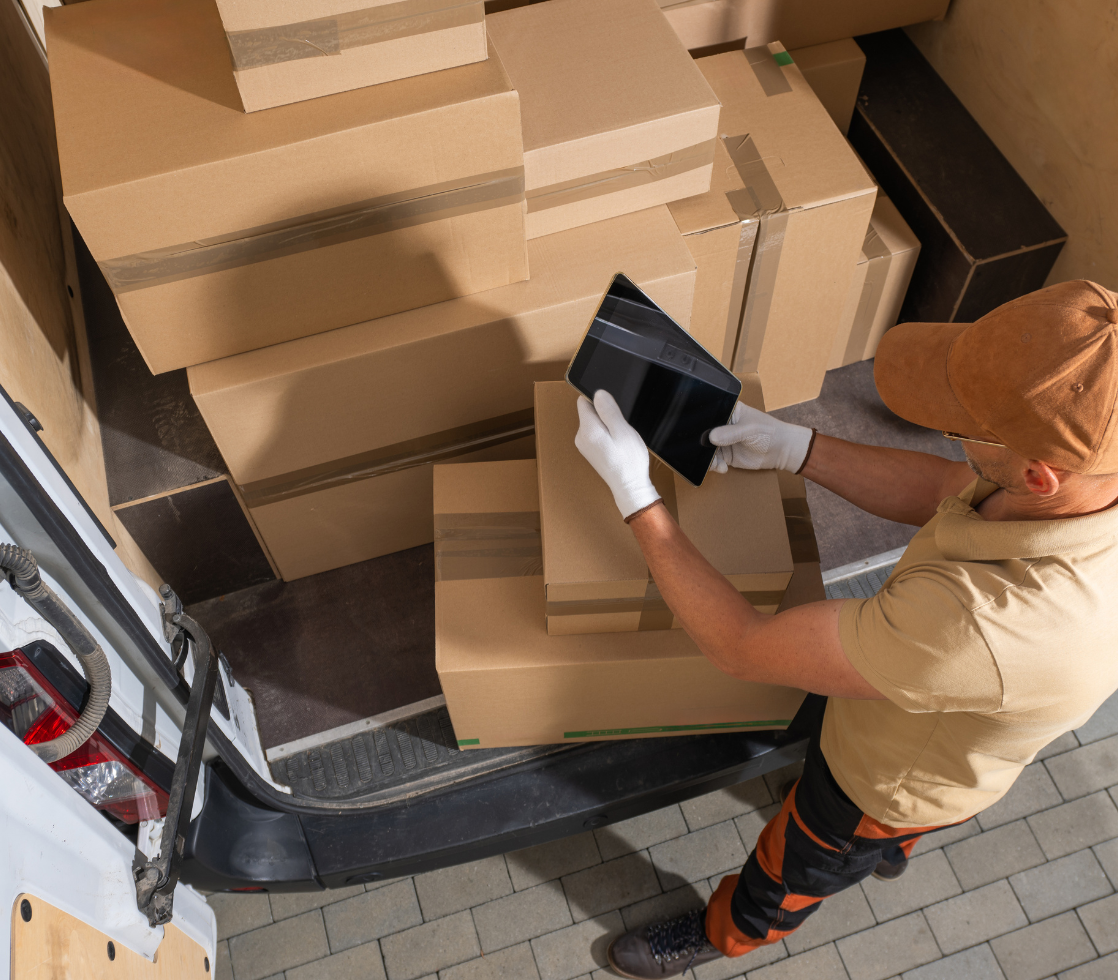
Delivery Trips brings route optimization, stop sequencing, and trip management directly into Dynamics 365 Business Central, helping ensure every delivery is accurate and on time.
Built for food logistics and distribution effeciency
From route planning to stop management, gain full control over your delivery operations. Manage multi-stop routes, time-sensitive deliveries, or vehicle constraints, all without leaving Business Central.
Delivery Trip Driver
Manage drivers with detailed profiles, availability, and performance metrics. Enable smart assignment and balanced workloads.
Delivery Trip Vehicles
Track vehicle availability, weight limits, and default drivers to ensure the right vehicle is used for each trip.
Delivery Trip Setup
Configure all setup functions related to Delivery Trips. Outbound orders must be assigned to a delivery trip and linked to a trip stop.
Delivery Trip Routes
Define and manage delivery routes with assigned days, vehicles, and drivers. Use templates to streamline planning and allow flexible day-to-day adjustments.
Delivery Trip Stops
Define customer stops by ship-from location, including preferred stop numbers and delivery windows. Supports multi-location operations and powers the Delivery Trip Worksheet to auto-generate efficient, optimized delivery plans
Delivery Trip Worksheet
Displays all outstanding orders and allows you to create one or many delivery trips with ease.
Why choose us?
01
Purpose-Built for Food Logistics
Designed specifically for the complexities of food distribution, including multi-stop routes, time-sensitive deliveries, and vehicle constraints.
02
Seamless Business Central Integration
Built natively for Dynamics 365 Business Central, ensuring smooth implementation and a familiar user experience.
02
Proven Track Record
Backed by over 25 years of ERP expertise and 700+ successful upgrades across North America
03
Trusted by Industry Leaders
Developed by the team behind Liberty Grove Software, a name trusted by food manufacturers, distributors, and processors.